Figure Shop Simulator Popularity and Customer Comments
Read the comments panel, fix the named SKU, and treat popularity as a lagging score—not a same-day cheat code.
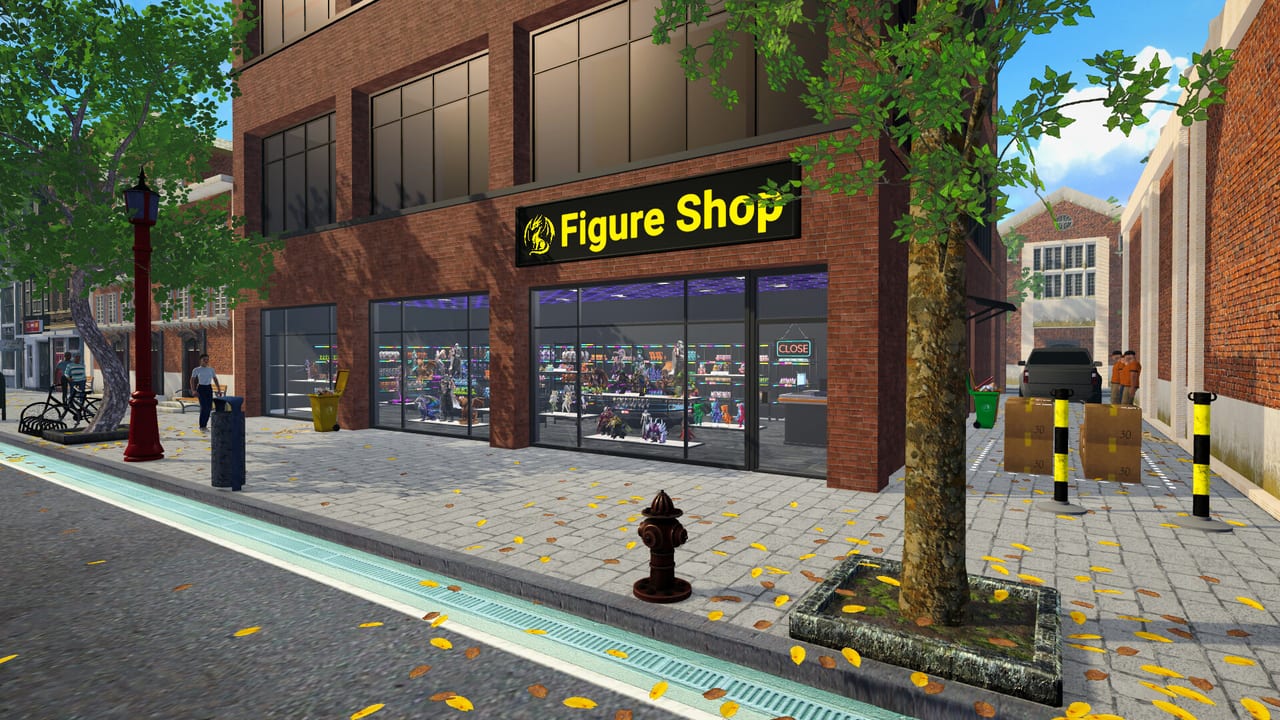
Popularity gates hires and expansions in Figure Shop Simulator. The comments panel (management computer, v0.5 era) tells you why the score moves, while the v0.7 economy pass rebalanced how fast points accrue. This guide turns those systems into a daily diagnosis loop.
Popularity is lagging
One lucky rush does not crown you a citywide sensation. Several clean days of full shelves, complete sets, and fair tags do. If the meter stalls, check missing set members and empty endcaps before blaming the economy (Complete Collections, Shelf Management).
How to use the comments panel
Open management comments after each day:
- Missing figure names → print and display that SKU before changing prices.
- Price complaints → step one band down (Pricing Strategy, Pricing Helper).
- Empty shelf frustration → auto refill, warehouse trays, stocker thresholds (Worker Settings).
- Praise for sets/decor → keep doing that; do not pivot into chaos renovations.
Economy rebalance awareness
v0.7 revised popularity progression for consistency. Old YouTube “hire at X points” shortcuts can be wrong—trust the live hiring UI (Hire Employees, Patch Notes).
Levers that actually move the meter
- Complete visible sets on contiguous shop shelves.
- Keep prices near market for commons; reserve markup for Premium/Epic that reprint reliably.
- Maintain filament so printers never starve mid-day.
- Decorate only after logistics are stable (Decorations and Paint).
- Use online sales as a multiplier only when buffers exist (Online Sales).
Online sales and popularity
Online orders can boost popularity when stock keeps up—and tank satisfaction when they strip displays. Disable the channel during shortages or perfection printing (1.0 toggle).
Shelf popularity values
Some furniture grants different popularity. Hotfixes corrected incorrect shelf values in Early Access—verify after buying neon sets from a VOD.
Daily popularity ritual
Morning: skim comments. Midday: fix one named complaint. Evening: end the day cleanly and note whether the meter ticked. One fix per day beats five half-finished remodel projects.
Related
Guides Hub, Staff Hub, 1.0 Release Guide.
Takeaway
Comments name the fire. Popularity only records whether you put it out for several days in a row.
Hiring gates and popularity patience
Staff unlocks that once felt early may feel later—or smoother—after the v0.7 rebalance. When a hire is greyed out, resist panic decorating. Play two clean days focused on the top comment complaint, then recheck the gate (Hire Employees).
Comment triage board
Keep a three-line note: missing SKUs, price heat, empty shelves. Assign each line to one wiki page and one in-game action. Missing SKUs → print. Price heat → retag. Empty shelves → auto refill + thresholds. Anything else (music taste, night vibe) waits until those three are green.
Sets as popularity multipliers
A complete Christmas Pack or Mystic Maidens block on contiguous shelves outperforms scattered singles plus expensive posters. Build set blocks deliberately (Figure Sets, Mystic Maidens). Incomplete Epic aisles signal broken promises to collectors.
Online channel as a popularity amplifier
When buffers are healthy, online orders can lift reputation. When buffers are thin, they create empty-shelf comments faster than walk-ins alone. Use the 1.0 disable toggle as a popularity stabilizer during crises (Online Sales).
Furniture popularity footnotes
Neon and specialty shelves may grant different popularity. After hotfixes, assume values can change—buy for function first, meter second. If a shelf set looks great but breaks pathing, it is a popularity trap.
Weekly review
Once a week, skim Patch Notes and compare your comment themes to the live build. Early Access advice ages quickly; 1.0 worker settings can remove empty-shelf comments without a single new poster.
Frequently Asked Questions
Quick answers to the most common questions.
Where is the comments panel?
On the in-game management computer interface added with the workers & achievements update wave (v0.5).
Why did popularity slow after an update?
v0.7 rebalanced popularity points—expect smoother but different pacing than the oldest Early Access videos.
Do decorations replace complete sets?
No. Decor helps; missing collection members and empty shelves hurt more.