Figure Shop Simulator Staff Hub
Hire the right roles—restocking, checkout, printing, and Epic automation.
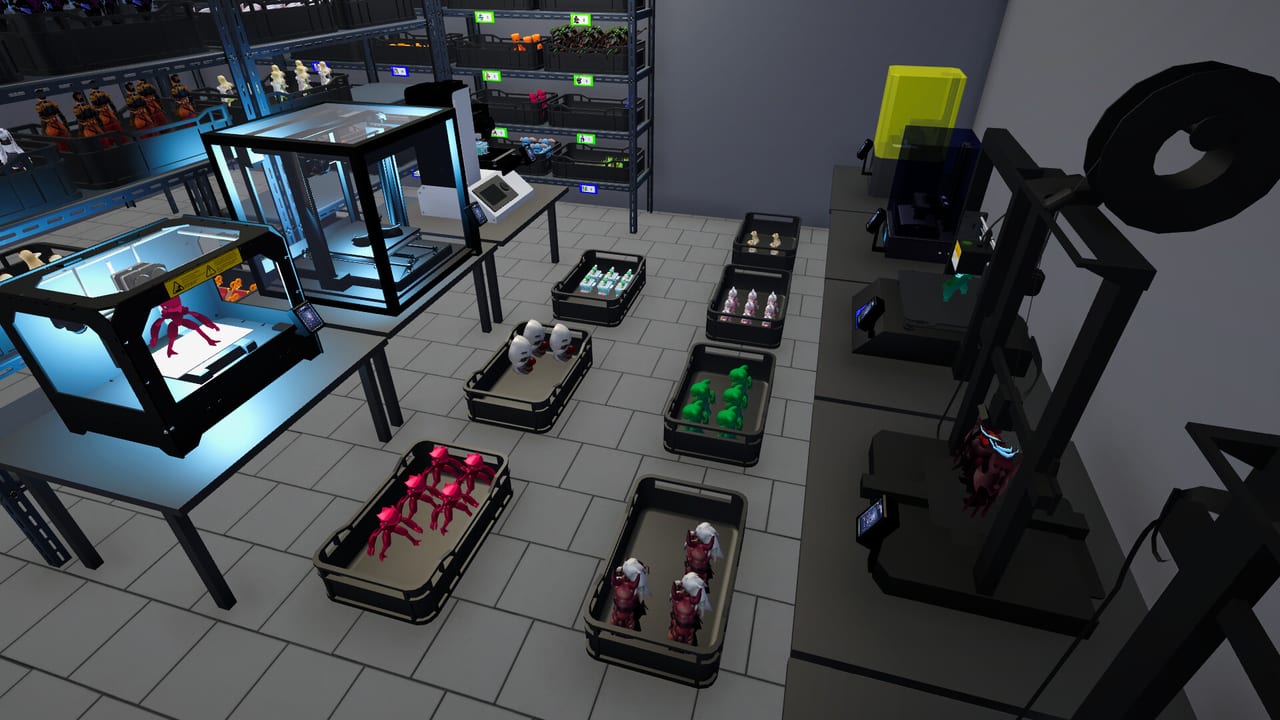
The Staff Hub explains every major employee type in Figure Shop Simulator and when each hire actually increases profit. Labor is not cosmetic: stock workers move newly produced figures and can auto refill shelves, cashiers keep checkout flowing, printer workers sustain manufacturing, and the Printer Engineer specializes in automating Epic printers. Use this hub to avoid paying wages for idle hands or understaffing a booming print floor.
Role overview
- Stock Worker — Places newly produced figures and restocks when shelves are roughly half full or lower historically; enable auto refill so shelves recover without constant manual babysitting.
- Cashier — Handles customer checkout so you are not glued to the register during peak popularity.
- Printer Worker — Keeps standard printer workflows moving so trays keep appearing for stockers.
- Printer Engineer — Automates Epic printers, unlocking true late-game production scaling.
- Worker Settings — 1.0 toggles for Figure Shelf Refill Threshold, Job Priority, Restock All at End of Day, and Filament Refill Threshold.
Read Hire Employees for timing and cashflow rules of thumb, then return here for role-specific behavior. Tune Worker Settings before hiring a fifth stocker for a threshold problem.
Hiring order that usually works
Early shops often benefit from a stock worker once trays pile up faster than you can place them. A cashier becomes valuable when popularity rises and you lose time ringing sales instead of printing or remodeling. Printer workers matter after multiple printers stay queued throughout the day. The Printer Engineer should wait until Epic hardware is online; automating machines you do not own yet wastes the role’s potential.
How staff interact with systems
Staff do not replace shelf design or pricing. If auto refill is off and warehouse destinations are full, stockers stall. If prices are absurd, cashiers cannot invent demand. If filament is empty, printer workers cannot invent PLA. Always debug with Shelf Management, Filament Guide, and Pricing Strategy alongside staffing changes.
Automation fans should also study Automate Production. Master of Perfection style sessions—opening then immediately closing the shop to print without customers—still require trays on warehouse or shop shelves so output has a landing zone even when the floor is quiet.
Shift mindset tips
- Hire for the bottleneck you can see today, not the fantasy endgame roster.
- After each hire, watch one full day before hiring again.
- Expand warehouse and shop shelf capacity before stacking duplicate stockers.
- Pair Epic printer purchases with a Printer Engineer plan.
- Revisit wages versus margin using the Pricing Helper if payroll climbs.
Related hubs
- Guides Hub for operational walkthroughs
- Printers Hub for the machines staff operate
- Tools Hub for achievement goals that assume automation
- Updates Hub for patches that change worker behavior
Common staffing mistakes
Hiring three cashiers before a stocker creates beautiful checkout lines in front of empty shelves. Buying Epic printers without an engineer leaves expensive hardware needy. Ignoring auto refill turns stock workers into occasional helpers instead of a logistics layer. Forgetting that workers historically restock around half-capacity can make you think employees are broken when they are waiting for the right threshold.
Staff are force multipliers for a store that already understands printing and merchandising. Use this hub as the roster index, open each role page before spending on that hire, and keep cross-links handy so one underperforming employee leads you to the true systems fix instead of another impulsive contract.
Staffing roadmap recap
Stock worker for logistics, cashier for time, printer worker for standard automation, engineer for Epic freedom. Skip steps only if your personal bottleneck order differs—and verify with a day of metrics before inventing a new order.
Hub children
Stock Worker, Cashier, Printer Worker, Printer Engineer, Worker Settings.
Synergy pages
Hiring timing: Hire Employees. Pipeline: Automate Production. Orders pressure: Online Sales.
Session takeaway for Staff Hub
Staff in logistics → checkout → production → Epic specialist order unless metrics disagree.
When this page stops answering your current bottleneck, jump to the linked sibling articles in the same category rather than rereading the entire wiki. Figure Shop Simulator rewards focused fixes: filament, shelves, staffing, or pricing—one lever per day usually beats five half-finished remodel projects.
Frequently Asked Questions
Quick answers to the most common questions.
Which employee should I hire first?
Usually a Stock Worker once trays outpace manual stocking; add a Cashier when checkout steals your management time.
What does the Printer Engineer do?
The Printer Engineer automates Epic printers, which is essential for late-game hands-off Epic production.
Do stock workers auto refill shelves?
They restock around half capacity historically; enable auto refill so they keep shelves topped without constant oversight.
Can staff fix bad pricing?
No. Staff move goods and process sales; pricing and assortment still decide whether customers buy.