Figure Shop Simulator Pricing Helper
Quick markup bands you can apply to in-game market price tags.
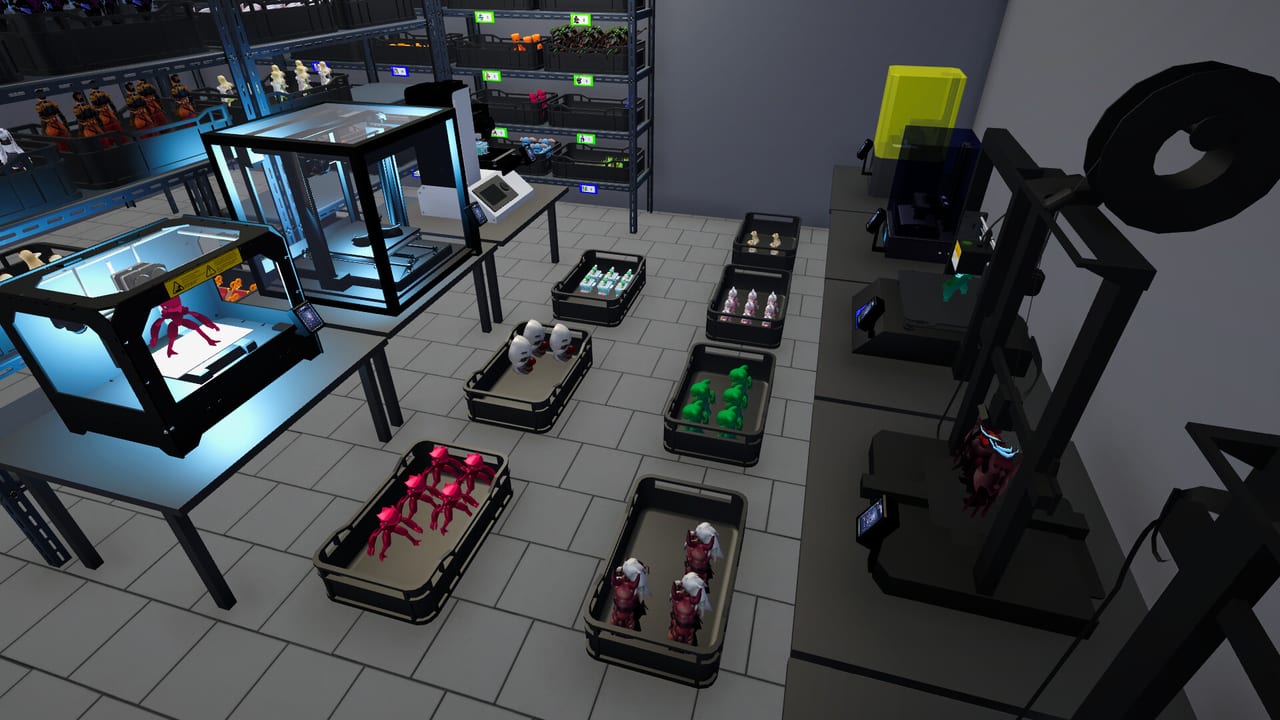
This helper page translates Figure Shop Simulator market price into practical tag bands. It is not a cheat—just a worksheet mindset for humans who hate guessing.
How to use
- Open a figure tag and note the market price.
- Choose the band for that SKU class.
- Adjust if comments show anger or if trays stop moving.
- Re-check after trends shift or online sales toggle.
Suggested bands
| SKU class | Markup vs market | Notes |
|---|---|---|
| Common filler | 0% to +8% | Protect satisfaction early |
| Trending standard | +8% to +18% | Only while trays stay full |
| Premium variant | +12% to +25% | Needs reliable reprints |
| Epic exclusive | +15% to +30% | Watch online drain |
| Clearance / mistake stock | -5% to -15% | Temporary only |
Worked example
If market price is 20, a trending standard might sit at 22–24. A premium of market 40 might list 46–50. If popularity dips, step down one band before panic discounting.
Pair with strategy
Read the full narrative in Pricing Strategy. After remodel, verify tags still match (Shelf Management).
Related tools
Achievement Checklist, Online Sales.
Worked scenarios
Scenario A — New shop: market 12 on a common. List 12–13. Focus on completeness, not margin.
Scenario B — Trend spike: market 18, only two trays left. List 20–21, reprint immediately, then return toward 18–19 when stock recovers.
Scenario C — Premium aisle: market 45. List 52–56 if reprints are automated; 48–50 if still hand-printing.
Scenario D — Epic gallery: market 90. List 105–115 while exclusive; never dump below market to “fix online queues.”
Guardrails
If comments mention price more than missing stock, you overshot. If comments mention missing names, pricing is not your problem—production is.
Integration
Return to Pricing Strategy for philosophy. Use this page as the calculator sticky note beside your monitor.
Session takeaway for Figure Shop Simulator Pricing Helper Tool
Step down one markup band when comments mention price more than missing stock.
When this page stops answering your current bottleneck, jump to the linked sibling articles in the same category rather than rereading the entire wiki. Figure Shop Simulator rewards focused fixes: filament, shelves, staffing, or pricing—one lever per day usually beats five half-finished remodel projects.
Scenario drill table
New shop commons stay near market. Trend spikes take modest markup only while trays last. Premiums need reprint reliability before aggressive bands. Epics hold prestige tags without dumping below market to clear online queues.
If comments mention price, step down a band. If they mention missing names, stop tweaking tags and print—the helper cannot manufacture stock.
Integration loop
Use bands here, judgment in Pricing Strategy, and verification after remodel in Shelf Management. Online toggles deserve an immediate Epic/Premium tag review. Helpers are sticky notes, not autopilot—Figure Shop Simulator still needs a human manager.
Deep dive sidebar for Figure Shop Simulator Pricing Helper Tool
Players searching for Figure Shop Simulator Pricing Helper Tool usually arrive with a single pain point: empty shelves, slow Epic jobs, confusing staff, or uncertain prices. Answer that pain with one change, then measure popularity and cash across the next full day in Figure Shop Simulator. If both metrics improve, lock the habit. If not, read the sibling link that matches the new symptom instead of stacking five half-finished remodel projects.
For tools-pricing-helper, write a three-line journal entry after the session: what you clicked, what resource stayed healthy, and what still broke. That journal becomes more valuable than rereading the entire wiki. Keep filament, warehouse trays, and auto refill as the universal foundation even when this page focuses elsewhere, because those three foundations silently support almost every advanced system from online orders to premium-only achievement pushes.
Finally, schedule a weekly review against Patch Notes so advice on Figure Shop Simulator Pricing Helper Tool stays aligned with your live build. Early Access tips age quickly; 1.0 quality-of-life options can change how aggressively you chase automation. Unique closer for tools-pricing-helper: lock today’s lesson into tomorrow’s opening checklist before buying more furniture.
Frequently Asked Questions
Quick answers to the most common questions.
Are these bands official?
No. They are community-minded heuristics for the fan wiki.
Should online orders use different prices?
Same tags apply—raise bands if online volume underprices your filament costs.